

GalenCharts
Publication-ready figures for researchers.
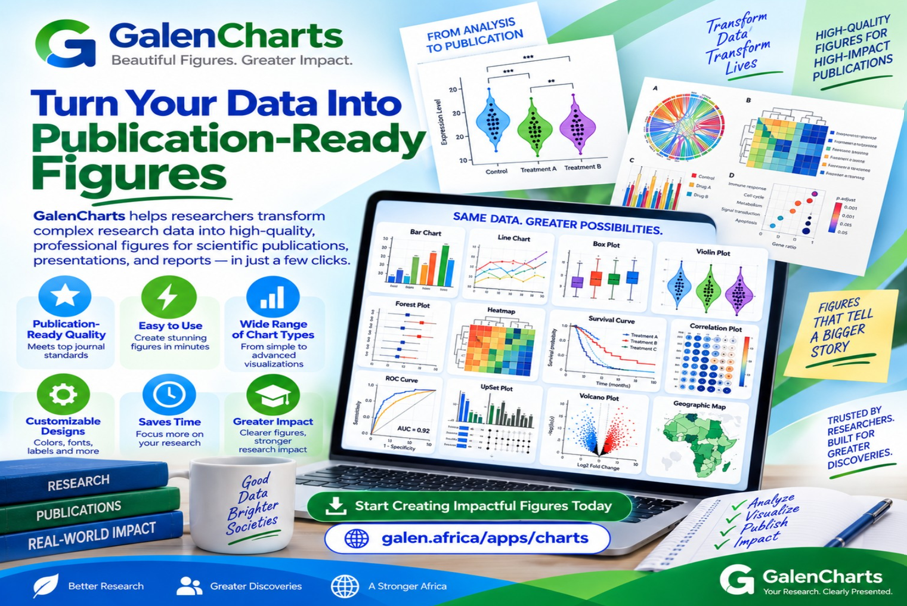
GalenCharts is a charting tool for researchers, built to produce high-quality figures that are ready for publication.
Every figure can be downloaded as a PNG, an SVG or a PDF, so it is ready to use wherever the work is being published.
What you can do with GalenCharts
Publication-ready output
Figures are produced at the quality expected for publication, not just for a quick look at the data.
PNG, SVG and PDF export
Download each figure in the format the journal, poster or presentation calls for.
Built for researchers
Designed around the way research figures are actually prepared and used.
Ready to get started?
Install GalenCharts in a couple of minutes — no account or form required.
See it in action
Downloads
Direct downloads, no account or store required. Verify the SHA-256 checksum below if you’d like to confirm a file wasn’t corrupted or tampered with in transit.
galen-charts-v1.0.0.apk
- Version
- 1.0.0
- Size
- 243.1 KB
- Released
- 29 July 2026
SHA-256 checksum
c54173ad3fba6263eb183fa3af91eb5c2b3605b3cbf679019f769954b80c2cee
galen-charts-v1.0.0.exe
- Version
- 1.0.0
- Size
- 715.9 KB
- Released
- 29 July 2026
SHA-256 checksum
63b771312b58ec32b48627449c34df77891404b19cbfce2ba1923c38f1d7398d
Installing an APK on Android
Our Android apps are installed directly from this website rather than the Play Store, so Android shows a one-time security prompt the first time. Here's what to do:
- Tap the Android download button above and let the .apk file finish downloading.
- Open the file from your notification shade or your phone's Downloads app.
- If you see “Install blocked” or “For your security, your phone is not allowed to install unknown apps,” tap Settings and allow installs from this source (usually Chrome or Files). This is a one-time step.
- Go back and tap Install, then wait for it to finish.
- Open the app from your home screen. You can safely delete the .apk file afterwards to free up space.
This prompt appears because the app is installed directly rather than downloaded from the Play Store — it doesn't mean the app is unsafe. Every installer on this site is published directly by Galen Africa.
More from Galen Africa
See all apps- GalenDeskStock, transactions and receipts, in real time.
- GalenDesk ProIntelligent pharmacy management, for community, retail and hospital pharmacies in Africa and other emerging markets.
- GalenConnect: Coming soonPatients and providers, connected.
- GalenAMR: Coming soonTrack antibiotic use. Support stewardship.


